
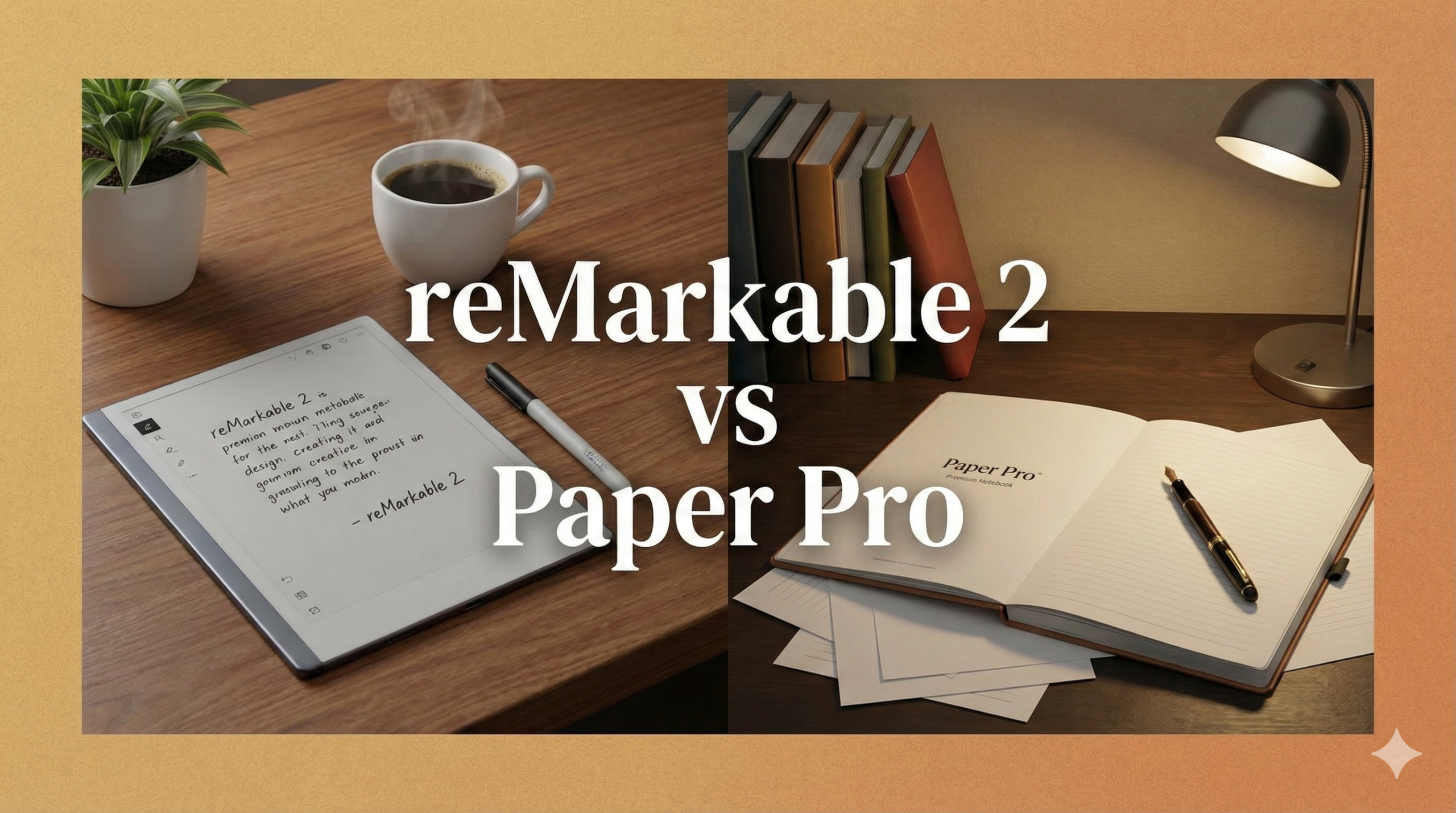
reMarkable 2 vs. Paper Pro: Is the Upgrade to Color Worth the Price?
For years, the reMarkable 2 has been the undisputed king of distraction-free writing. It did one thing—replace paper—and it did it perfectly. It was sleek, unbelievably thin, and felt exactly like writing with a pencil. But it had two glaring omissions that users complained about for years: it was black and white only, and it had no backlight.
Enter the reMarkable Paper Pro. Released with massive hype, it promises to fix everything. It introduces a revolutionary “Canvas Color” display and, finally, a frontlight for reading in the dark. But with a price tag significantly higher than its predecessor, the question remains: is it worth upgrading, or is the classic reMarkable 2 still the smart buy?
Quick Specs Comparison
| Feature | reMarkable 2 | reMarkable Paper Pro |
|---|---|---|
| Display | 10.3″ Monochrome CANVAS | 11.8″ Color CANVAS Color |
| Resolution | 226 PPI | 229 PPI |
| Frontlight | No (Passive screen) | Yes (Adjustable Reading Light) |
| Latency | ~21 ms | ~12 ms |
| Thickness | 4.7 mm (World’s thinnest) | 5.1 mm |
| Battery | ~2 weeks | ~2 weeks (variable with light) |

reMarkable 2 | The Original Paper Tablet
The world’s thinnest tablet. Distraction-free, monochrome writing that feels exactly like paper. Perfect for focused thinkers.
Check Price1. The Screen: Monochrome vs. Color
This is the most obvious difference. The reMarkable 2 uses standard E Ink technology. It creates crisp, high-contrast text that looks like a printed page. It is perfect for writers and sketchers who work in graphite.
The Paper Pro uses Gallery 3 technology, customized as “Canvas Color.” Unlike other color e-readers (like Kaleido 3) that use a filter array over a black-and-white screen, Gallery 3 uses actual colored ink particles (Cyan, Magenta, Yellow, White). This means the colors are more vibrant and the resolution doesn’t drop when switching to color mode.
The Trade-off: Color E Ink is inherently darker than monochrome. To combat this, the Paper Pro screen has a slight texture difference and relies on the frontlight to make the whites look truly white. If you annotate PDFs, highlight text, or organize notes by color, the Paper Pro is a revelation.

Staedtler Noris Digital Jumbo
Don’t like the official Marker? This is a fan-favorite alternative stylus that feels like a real pencil and has an integrated eraser. Works perfectly with reMarkable 2.
Check Price on Amazon2. Frontlight: The Game Changer
For many, this is the deciding factor. The reMarkable 2 is completely passive. It reflects ambient light. This is beautiful in a sunny room, but makes the device unusable in bed or on a dim airplane unless you use a clip-on book light.
The Paper Pro includes a built-in reading light. Crucially, it creates very little distance between the pen tip and the “ink,” avoiding the “gap” effect seen on iPads. The light is uniform and adjustable. It allows you to work in any environment, significantly increasing the device’s utility.
3. Writing Feel & Latency
The reMarkable 2 is legendary for its “scratchy” feel. It sounds and feels like a pencil on paper. The Paper Pro had to change the surface texture slightly to accommodate the frontlight layer and the new color tech.
The Feel: The Paper Pro feels smoother. It is more like a high-quality ballpoint pen on premium paper, whereas the rM2 feels like graphite on textured paper. It is less “scratchy” but still offers resistance.
Latency: The Paper Pro is faster. At 12ms latency, the ink flows from the nib almost instantly. The rM2 (21ms) was already fast, but the Paper Pro feels imperceptible.
4. Size & Ergonomics
The Paper Pro is bigger (11.8 inches vs 10.3 inches). This sounds small on paper, but in practice, it gives you significantly more canvas. It feels closer to an A4 sheet of paper. This is excellent for splitting the screen or viewing full-size PDFs without squinting.
However, the size comes with weight. The Paper Pro is heavier. While the rM2 can easily be held in one hand for long reading sessions, the Paper Pro feels more like a tablet that wants to rest on a desk or in your lap.
5. Battery Life & Charging
Both devices boast excellent battery life compared to an iPad. You can expect weeks of usage on a single charge.
- reMarkable 2: Can easily last 2-3 weeks of heavy use because it has no light and simpler screen refresh tech.
- Paper Pro: Still impressive, but usage varies heavily based on how bright you keep the frontlight. With the light off, it rivals the rM2.

Anker 737 Power Bank (GaNPrime)
Never run out of juice on the go. Since the Paper Pro uses USB-C, a high-quality portable charger ensures your digital notebook is always ready for a brainstorming session.
Check Price on Amazon6. Pricing & Value
This is where the divide widens. The reMarkable 2 has seen price drops over the years, making it an accessible entry point. The Paper Pro is a premium flagship product.

reMarkable Paper Pro | The Ultimate Upgrade
11.8″ Color Canvas display with an adjustable reading light. The premium choice for professionals who need color and versatility.
Check PriceThe Cost Reality: A full Paper Pro setup (Tablet + Marker Plus + Leather Folio) can approach the price of a high-end iPad Pro or MacBook Air. You have to really want the specific benefits of E-Ink (eye safety, focus, battery) to justify the cost over a standard tablet.
Final Verdict: Which One Should You Buy?
Buy reMarkable 2 if:
- You are on a budget ($300-$400 range).
- You only take text notes and don’t need color.
- You prefer a smaller, lighter device for portability.
- You love the “scratchy” pencil feel.
Buy Paper Pro if:
- You need to read/work in the dark (Frontlight).
- You review PDFs and need to highlight in color.
- You find the 10.3″ screen slightly too cramped.
- You want the fastest, lowest-latency writing experience available.
The Bottom Line: If you can afford it, the Paper Pro is objectively the better device. The frontlight alone solves the biggest complaint of the platform. However, the reMarkable 2 remains the best value in the category and is still a joy to use for pure writers.

Consider the Alternative: Kindle Scribe
If the reMarkable ecosystem feels too expensive, the Kindle Scribe offers a 300 PPI screen, a backlight, and access to the entire Amazon Kindle library for a lower price.
Check Price on Amazon