
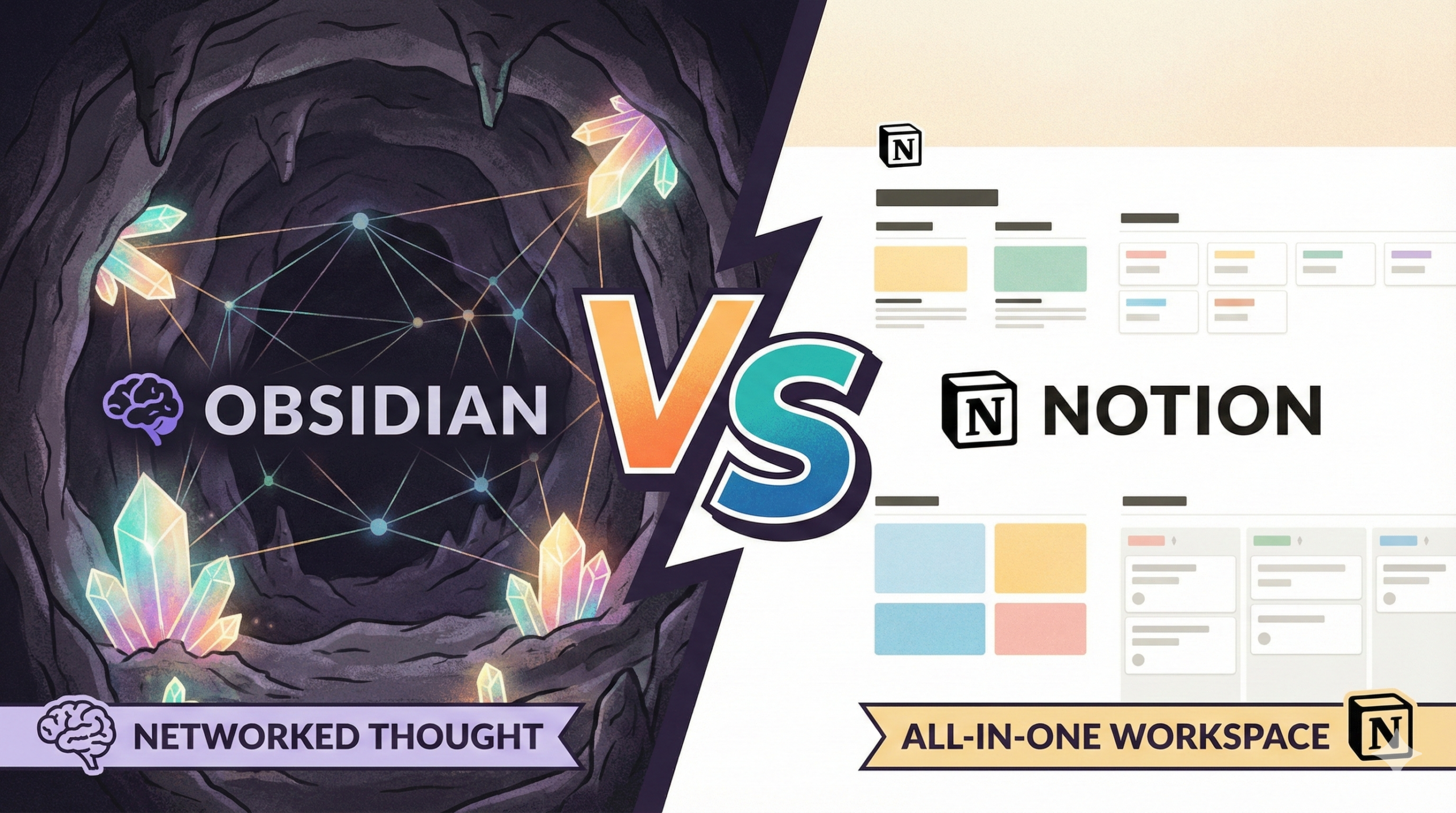
Notion vs. Obsidian: The Ultimate Knowledge Base Showdown for 2026
We are living in the age of “information overload.” Every day, you are bombarded with articles, emails, project details, and fleeting ideas. If you try to hold all of that in your head, you will inevitably succumb to burnout. This is why the concept of a “Second Brain” has exploded in popularity.
Choosing the tool to house your second brain is a high-stakes decision. Switch costs are high; once you migrate thousands of notes into a system, you are unlikely to leave. Today, the heavyweight championship title fight is between two distinct giants: Notion and Obsidian.
Notion is the aesthetic, collaborative, all-in-one workspace that took the corporate and influencer world by storm. Obsidian is the scrappy, developer-loved, offline-first tool that promises you ownership of your data forever. Choosing between them isn’t just about features; it’s about choosing a philosophy for how you think.
1. Core Philosophies: Block-Based vs. Markdown
To understand the difference, you must look at the atomic unit of each app.
Notion: The Lego Set
In Notion, everything is a Block. A paragraph is a block. A heading is a block. An image, a toggle, a database row—all blocks. You can drag and drop these blocks anywhere. It feels like building a website without code. Notion wants to be your “All-in-One Workspace.” It replaces Google Docs, Trello, Asana, and Excel.
Obsidian: The Networked Thought
Obsidian operates on Markdown files stored locally on your computer. It treats your notes like a web of interconnected thoughts. The core philosophy here is “linking.” Obsidian wants to mimic how your brain works: not in rigid hierarchies or folders, but through associations. It prioritizes speed, longevity, and text-based entry.
| Feature | Notion | Obsidian |
|---|---|---|
| Storage | Cloud-Based (Proprietary) | Local Files (Plain Text/Markdown) |
| Structure | Hierarchical & Database Driven | Networked & Graph Driven |
| Collaboration | Native & Seamless | Difficult / Requires Add-ons |
| Offline Mode | Poor / Limited | Excellent / Native |

Building a Second Brain: A Proven Method
No matter which tool you pick, the methodology matters more than the software. Tiago Forte’s best-selling book is the definitive guide to organizing your digital life using the PARA method.
Check Price on Amazon2. Interface & The Learning Curve
Notion: Pretty but Overwhelming
Notion is famous for its clean, minimalist aesthetic. It invites you to add cover images, emojis, and colorful tags. However, “Notion Fatigue” is real. Because you can customize everything, you often spend more time designing your dashboard than actually working. The blank page in Notion can be intimidating because it requires you to build the structure before you populate it.
Obsidian: Hacker Chic
Out of the box, Obsidian looks like a code editor. It is stark. For non-technical users, this is a hurdle. However, once you learn the basics of Markdown (using # for headers, [[ ]] for links), the writing experience is distraction-free and incredibly fast. There is no lag, no loading spinners, and no clicking around menus to format text.

Atomic Habits by James Clear
Building a knowledge base requires consistency. Use the principles in Atomic Habits to turn “taking notes” into a daily reflex rather than a chore.
Check Price on Amazon3. Feature Deep Dive: Databases vs. The Graph
Notion’s Superpower: Databases
This is where Notion destroys the competition. Notion databases are not just spreadsheets; they are dynamic views of data. You can put tasks into a database and view them as a Board (Kanban), a Calendar, a List, or a Gallery. If you need Project Management capabilities alongside your notes, Notion is the only choice here.
Obsidian’s Superpower: The Graph View
Obsidian visualizes your notes. The “Graph View” shows every note as a dot and every link as a line connecting them. Over time, you see constellations of knowledge form. You realize that your notes on “Gardening” are linked to “Mental Health.” This promotes serendipitous discovery and idea synthesis that Notion simply cannot replicate.

Keychron K2 Mechanical Keyboard
If you choose Obsidian, you are going to be doing a lot of typing. Upgrade your experience with a tactile mechanical keyboard that makes writing markdown a joy.
View on Amazon4. Data Ownership & Security: Cloud vs. Local
This is the biggest philosophical divide between the two apps.
Notion: You Rent Your House
Notion stores your data on their servers. This is convenient—you log in on any device, and your data is there. However, you do not own your data in a physical sense. If Notion goes bankrupt, or if their servers go down (which happens), you are locked out. Exporting data from Notion is possible, but the formatting often breaks, making it hard to migrate elsewhere.
Obsidian: You Own the Land
Obsidian sits on top of a local folder on your computer. Your notes are just `.md` (text) files. You can open them with Notepad, VS Code, or any text editor. If Obsidian the company disappears tomorrow, you lose nothing. Your data is yours, forever. You are responsible for syncing it (via iCloud, Dropbox, or Obsidian Sync), but you have total sovereignty.

SanDisk 1TB Extreme Portable SSD
If you go with Obsidian, you are responsible for your own backups. Don’t risk data loss—keep a physical backup of your “Second Brain” vault on a rugged SSD.
Check Price on Amazon5. Customization & Plugins
Notion: Integration King
Notion integrates beautifully with Slack, Google Drive, Zapier, and hundreds of other tools via its API. There are also thousands of “Templates” available for sale or free, allowing you to instantly set up a Student Dashboard or a CRM.
Obsidian: The Plugin Ecosystem
Obsidian has a massive community of developers creating “Community Plugins.” Want a Kanban board in Obsidian? There’s a plugin for that. Want to visualize data tables? Plugin. Want to integrate ChatGPT directly into your notes? Plugin. Obsidian is more malleable, but it requires you to tinker to get it right.

Logitech MX Master 3S Performance Mouse
Navigating large Notion databases or complex Obsidian graphs requires precision. The infinite scroll wheel on the MX Master 3S is a productivity game-changer.
Check Price on Amazon6. Pricing & Sustainability
Notion Pricing
- Free Plan: Generous for individuals, but limits file uploads (5MB).
- Plus ($8/mo): Unlimited file uploads, team features.
- AI Add-on ($8/mo): Integrated AI writing assistant.
Obsidian Pricing
- Personal: 100% Free forever. No feature gating.
- Sync ($8/mo): Their official encrypted sync service (optional—you can use iCloud/Drive for free).
- Publish ($8/mo): To turn your notes into a public website.
Sony WH-1000XM5 Noise Cancelling Headphones
Software is only half the battle. To reach deep work states while organizing your knowledge base, you need silence. These are the best in the business.
Check Price on Amazon7. Best Use Cases: Who Wins Where?
Still undecided? Let’s break it down by persona.
Choose NOTION if you are:
- A Student: Who needs to organize class schedules, syllabi, and lecture notes in one pretty dashboard.
- A Team/Start-up: Collaboration is Notion’s killer feature. Real-time editing with colleagues is seamless.
- A Project Manager: You need Kanban boards, calendars, and status properties linked to your docs.
- Visual Thinker: You care about aesthetics, covers, and layout design.
Choose OBSIDIAN if you are:
- A Researcher/Academic: You have thousands of citations and need to link ideas deeply (Zettelkasten method).
- A Developer: You love Markdown, VIM keybindings, and total control over your environment.
- Privacy Focused: You refuse to put your private thoughts on a cloud server you don’t control.
- Long-Term Thinker: You want to ensure your notes are readable in 20, 30, or 50 years.
The Productivity Planner
Sometimes digital tools are too distracting. Complement your Notion or Obsidian setup with a physical planner to prioritize your top 3 daily tasks.
Check Price on AmazonThe Verdict
There is no “best” app, only the best app for you.
Pick Notion if you want an operating system for your life or business. It is an application builder as much as it is a note-taking app. It excels at structure, projects, and collaboration.
Pick Obsidian if you want a true “Second Brain” for your thoughts. It excels at writing, connecting ideas, and speed. It is a tool for thinking, whereas Notion is a tool for organizing.
Ultimately, the best tool is the one you actually use. Download both today—Notion allows a free workspace, and Obsidian is free to download. Spend one hour in each, and your brain will tell you which one feels right.