15 Best Goal Tracking Apps to Revolutionize Your Productivity
Whether you’re building habits, managing projects, or seeking focus, we’ve tested and ranked the ultimate digital tools to turn your ambitions into reality.
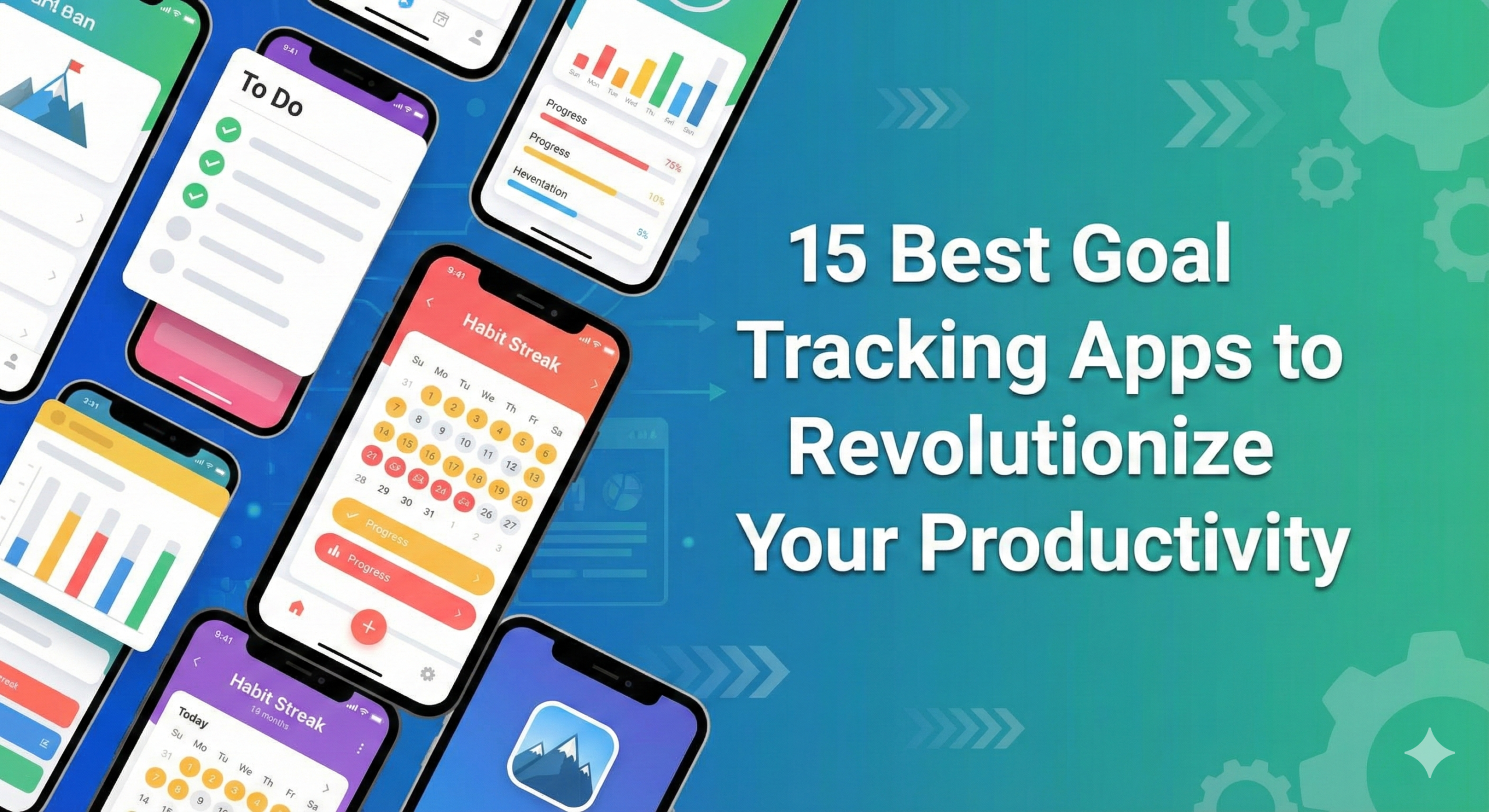
We all start the year with grand intentions. “I will read 50 books,” “I will run a marathon,” or “I will finally launch that side business.” Yet, by February, the gym shoes are gathering dust and the Kindle is buried under a pile of laundry. The gap between intention and action is where most dreams die. This is the “implementation gap,” and it is rarely a failure of will—it is a failure of systems.
In the digital age, your smartphone is often the source of distraction, but with the right software, it can become your accountability partner. The best goal tracking apps do more than just let you tick a box; they provide data visualization, community support, and psychological triggers to keep you consistent. If you have already optimized your digital environment with the best productivity apps, adding a dedicated goal tracker is the final piece of the puzzle.
We have rigorously tested dozens of contenders to bring you this definitive list of 15 apps. From minimalist habit streaks to complex project management tools, there is something here for every type of brain. If you struggle with decision fatigue or ADHD, we have identified specific tools that reduce friction. If you are a data nerd who loves graphs, we have you covered too.
Let’s dive into the tools that will define your success this year.
How We Ranked These Apps
We didn’t just look at the number of downloads. We evaluated these apps based on four key criteria:
- User Interface (UI): Is it intuitive? Does it reduce the friction of logging a habit?
- Data & Analytics: Does it give you actionable insights into your performance?
- Flexibility: Can it handle different types of goals (Yes/No, numeric, timed)?
- Psychological Design: Does it use streaks, gamification, or reminders effectively to keep you motivated?
Category 1: The Comprehensive Powerhouses
These apps are the Swiss Army Knives of goal tracking. They handle complex habits, long-term goals, and daily routines with equal prowess.

1. Strides
Best For: Data lovers and comprehensive tracking.
Strides is arguably the most flexible tracker on the market. It allows you to track four distinct types of goals: Habit (Yes/No), Target (reach a number by a date), Average (maintain a daily average), and Project (milestones). This flexibility makes it superior for people who don’t just want to “drink water” but also want to “save $10,000” or “finish a thesis.”
The dashboard is stunning, offering green and red bars that instantly tell you if you are on track or falling behind. It integrates deeply with Apple Health, making it a fantastic companion if you are also using self-care checklists for physical health.
Pros
- Four unique tracker types cover almost any goal.
- “On Pace” feature calculates if you will hit your deadline.
- Highly customizable dashboard.
Cons
- iOS only (Web version is limited).
- Can be overwhelming for minimalists.

2. Way of Life
Best For: Identifying trends and breaking bad habits.
Way of Life markets itself as the “ultimate habit building app,” and it lives up to the hype by focusing on one thing: trends. Most apps just show you a streak. Way of Life asks you to rate your day and then compiles that data into pie charts and bar graphs. This is crucial for spotting why you are failing. Do you always skip the gym on Thursdays? This app will show you that pattern.
It uses a simple color-coded system (Green for good, Red for bad) which is incredibly satisfying. If you are trying to implement the habits of highly effective people, this visual feedback loop is essential.
Pros
- Excellent data visualization (Charts/Trend lines).
- Journaling feature allows you to note why you succeeded or failed.
- Intuitive Red/Green daily check-in.
Cons
- Free version is limited to 3 items.
- Interface feels slightly dated compared to newer apps.
3. ClickUp
Best For: Professional goals and project management.
ClickUp is primarily a project management tool, but its “Goals” feature is robust enough to stand on its own. If your goals are project-based—like “Launch a Website” or “Build a PC”—simple habit trackers won’t cut it. You need sub-tasks, folders, and progress percentages. ClickUp allows you to link daily tasks to high-level objectives.
For example, if you are following our guide on building your first PC, you can set “Build PC” as the Goal, and “Buy GPU,” “Assemble Motherboard,” etc., as targets. As you complete tasks, the goal progress bar updates automatically.
Pros
- Connects daily tasks to macro goals.
- Great for teams and professional development.
- Highly visual progress tracking.
Cons
- Steep learning curve.
- Overkill for simple habits like “drink water.”
Master Your Habits
The best app in the world can’t help if you don’t understand the psychology of habit formation. “Atomic Habits” is the handbook for this journey.

Get Atomic Habits on Amazon
Category 2: Gamified Trackers (For the ADHD Brain)
If standard checklists bore you to tears, or if you struggle with motivation, gamification might be the answer. These apps turn your life into an RPG.
4. Habitica
Best For: Gamers and building community accountability.
Habitica transforms your life into a Role-Playing Game (RPG). Completing tasks levels up your character, earns you gold to buy armor, and unlocks pets. Missing tasks causes you to lose health. It is remarkably effective for those with ADHD decision fatigue because it provides immediate dopamine feedback.
The real magic lies in the “Parties” feature. You can join a quest with friends to fight a dragon. If you don’t do your daily tasks (like your morning routine), the dragon attacks the whole party. This social pressure is a powerful motivator.
Pros
- Incredibly fun and engaging.
- Strong social accountability.
- Completely free to use.
Cons
- Pixel art style isn’t for everyone.
- Can become distracting if you focus too much on the game.

5. Forest
Best For: Focus goals and reducing screen time.
Forest is a unique goal tracker focused on abstinence—specifically, staying off your phone. You plant a virtual tree, and it grows as long as you don’t leave the app. If you exit to check Instagram, your tree dies. Over time, you build a forest representing your focused time.
This is the ultimate tool for deep work. If you are learning how to stay focused while working from home, Forest is essential. It pairs perfectly with techniques like Pomodoro.
Pros
- Visual representation of focused time.
- Partners with real tree-planting organizations.
- Simple and beautiful interface.
Cons
- Only tracks focus time, not other habits.
- Paid app on iOS.
Category 3: Minimalist Trackers
Sometimes you just want to tap a button and move on. These apps prioritize speed and aesthetics.

6. Streaks
Best For: Apple ecosystem users who want simplicity.
Streaks is an Apple Design Award winner for a reason. It is beautiful, tactile, and incredibly simple. It limits you to 24 tasks (originally 12), encouraging focus. The integration with Apple Health is seamless—if your goal is “walk 10,000 steps,” Streaks automatically marks it complete when your iPhone or Apple Watch detects the movement.
It’s perfect for maintaining essential daily habits without getting bogged down in data entry. Use it to track simple things like “Read 10 pages” or “Take Vitamins.”

7. Done
Best For: Aesthetic lovers and flexible tracking.
Done allows you to track goals in three ways: build a habit, quit a habit, or track a specific metric. The colorful, card-based interface is a joy to use. It sets itself apart with its “Quit” tracking—perfect for those trying to reduce screen time or stop smoking.
8. Habitify
Best For: Cross-platform synchronization.
If you work across Mac, iPad, Android, and Web, Habitify is your best bet. It offers a clean, dark-mode-friendly interface that keeps your goals synced everywhere. Its “Area” feature allows you to group habits (e.g., Morning, Afternoon, Evening), which aligns perfectly with time blocking strategies.
Category 4: Niche Goal Trackers
General apps are great, but sometimes you need a specialist tool for specific areas of your life like finance, health, or mindfulness.
9. You Need A Budget (YNAB)
Category: Financial Goals
You cannot track financial goals effectively in a generic habit tracker. YNAB is the gold standard for money management. It forces you to assign every dollar a job. If your goal is to save for a trip to Europe (check our packing list here) or pay off debt, YNAB’s proactive methodology changes your relationship with money. It pairs well with our zero-based budget guide.
10. MyFitnessPal
Category: Health & Fitness Goals
For weight loss or muscle gain, tracking macros is king. MyFitnessPal has the largest food database in the world. Whether you are drinking oat milk or almond milk, or deciding between whey vs plant protein, this app helps you hit your nutritional targets precisely.
11. Headspace
Category: Mental Health Goals
If your goal is to reduce anxiety or stop overthinking, you need a mindfulness tracker. Headspace gamifies meditation with streaks and “run streaks.” We compared the top meditation apps in our Headspace vs Calm vs Insight Timer review, and Headspace often wins for beginners needing structure.
12. Fabulous
Category: Routine Building
Fabulous was incubated in Duke University’s Behavioral Economics Lab. It isn’t just a tracker; it’s a coach. It guides you through “Journeys” to build routines step-by-step. It starts small (drink water) and builds up to complex morning routines. It’s essentially a digital version of our procrastination beating guides.
13. TickTick
Best For: The To-Do List Hybrid.
TickTick is a to-do list app that secretly has a powerful habit tracker built-in. You can see your habits right alongside your daily tasks. This integration prevents the “out of sight, out of mind” problem of standalone habit apps.
14. Loop Habit Tracker
Best For: Android users wanting open source privacy.
Loop is free, open-source, and has no ads. It has an advanced “habit score” algorithm that doesn’t punish you too harshly for missing one day after a long streak, which is great for maintaining motivation.
15. GoalsOnTrack
Best For: SMART Goal setting.
This app is built around the SMART goal framework (Specific, Measurable, Attainable, Relevant, Time-bound). It encourages you to break down long-term goals into sub-goals and track time spent on them.
Quick Comparison: Top 5 Picks
| App Name | Best Feature | Platform | Price |
|---|---|---|---|
| Strides | 4 Tracker Types | iOS, Web | Freemium |
| Habitica | Gamification (RPG) | iOS, Android, Web | Free |
| Streaks | Apple Health Sync | iOS, Mac | $4.99 |
| ClickUp | Project Management | All Platforms | Freemium |
| Way of Life | Trend Analysis | iOS, Android | Freemium |
Enhance Your Desk Setup
A productive environment fosters productive habits. Check out our top picks for desk accessories.

See Best Desk Gadgets
Expert Tips: How to Stick to Your Goals
Downloading an app is the easy part. Using it is the challenge. Here is how to ensure you don’t delete these apps in a week.
1. Don’t Track Everything
A common mistake is adding 15 habits at once. Start with 3. Tracking too much leads to “tracker fatigue.” If you are feeling overwhelmed, read about decision fatigue to understand why less is more.
2. Stack Your Habits
Use the concept of “Habit Stacking.” Link a new habit to an old one. “After I pour my coffee (old habit), I will open my goal app (new habit).” This anchors the tracking behavior.
3. Review Weekly
Data is useless if you don’t look at it. Schedule a weekly review (Sunday nights work best) to look at your Strides or Way of Life graphs. Are you hitting your targets? If not, adjust the goal. Maybe reading 50 pages was too ambitious—try 10.
4. Use Physical Cues
Apps are great, but physical reminders help. Keep a notebook or a well-organized note system alongside your app. The tactile act of writing can reinforce the digital tracking.
Frequently Asked Questions
What is the best free goal tracking app?
Habitica and Loop Habit Tracker are the best completely free options. Habitica offers a robust gamified experience without paywalls blocking essential features, while Loop is an ad-free open-source option for Android.
Are goal tracking apps safe for privacy?
Most reputable apps (like Strides and Streaks) store data locally on your device or in your personal iCloud/Google Drive. However, always check the privacy policy. Apps like Loop Habit Tracker are standout winners for privacy as they don’t require server logins.
Can I use these apps for team goals?
Yes, but you need the right tool. ClickUp and Strides (Plus version) allow for collaborative goal tracking. Habitica allows you to form parties to complete quests together, which is great for family or friend groups.
How long does it take to form a habit?
The old myth says 21 days, but modern research suggests it takes anywhere from 18 to 254 days, with an average of 66 days. Consistency is key, which is why streak-based apps like Streaks are effective.
Final Verdict: Which App Should You Choose?
The “best” app is the one you actually use. However, here are our final recommendations based on user types:
- For the Data Nerd: Download Strides. Its flexibility and visualization are unmatched.
- For the Gamer / ADHD Brain: Download Habitica. The RPG elements make the mundane exciting.
- For the Minimalist: Download Streaks (iOS) or Loop (Android). Simple, fast, effective.
- For the Professional: Use ClickUp to align your daily habits with major life projects.
Remember, technology is a tool, not a cure. Pair these apps with solid routines, like a structured morning checklist, and you will be unstoppable in 2025.